

Weapons Boosting Services in Division 2

Choose the category that matches your target instead of spending more time repeating the same activity without the result you need.

Division 2 weapons boosting services
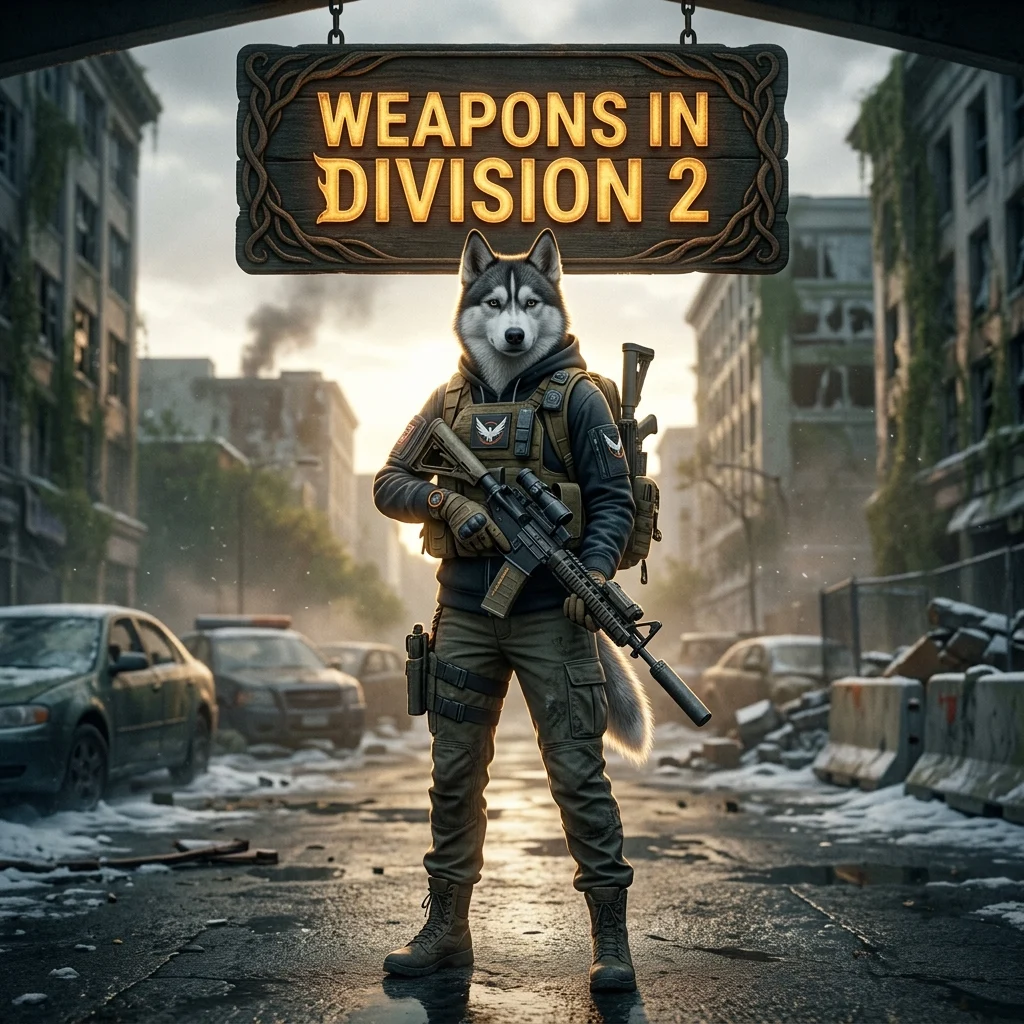
Weapons are a central part of progression in The Division 2, but getting the result you want can require repeated runs and a lot of account time. A boosting service can help when a specific weapon-related goal takes too long to handle alone or when difficult content keeps slowing your progress.
This page focuses on Division 2 weapons boosting while also connecting you with the wider service catalog. The available options may cover different progression needs, so check the product details before choosing an order.
Choose the right Division 2 service
The catalog separates different types of help instead of placing every order under one general offer. Weapons are one category, while other available areas include armor, exotic items, current-season content, Operation Iron Horse, Battle for Brooklyn, and free guides.
Start with the goal that matches your account. If the main problem is a weapon-related progression task, stay with the weapons category. If the goal concerns an exotic item, armor, or a named activity, review that category instead. This keeps the order focused and reduces the chance of selecting a service that does not match your needs.
When weapons boosting makes sense
- You are repeating the same progression task without useful results.
- Your available playtime is limited.
- A difficult activity is slowing down your weapon-related goal.
- You want help with a specific target rather than general account play.
- You are unsure which listed service matches the result you need.
These situations do not mean every order has the same scope. The exact work depends on the selected product and the information provided during checkout. Read the offer details carefully before placing an order.
What to check before ordering
First, confirm that the product describes the weapon-related goal you want to solve. Then review any account, platform, or order instructions shown on the product page. If your goal is not clearly covered, a broader Division 2 category may be more suitable than a weapons-specific option.
It is also useful to separate a fixed target from a general request. A clear target gives the service team better information about what should be checked and worked on. Do not assume that a weapons service automatically includes armor, exotic items, seasonal content, or a specific activity unless the selected offer says so.
Explore the Division 2 progression catalog
The catalog is designed for different Division 2 search intents. Weapons boosting is useful for players focused on weapon progression, while the other listed categories address separate goals. Operation Iron Horse, Battle for Brooklyn, current content, armor, and exotic items should be treated as distinct service areas rather than automatic parts of one weapons order.
If you are still learning the game or comparing possible goals, the free guides category may help you understand the available direction before buying assistance. For a direct order, choose the product that most closely matches the result you want.
FAQ about Division 2 weapons boosting
What does Division 2 weapons boosting cover?
It covers the weapon-related goal described by the selected product. The exact scope depends on that offer, so check its details rather than assuming that every weapon task is included.
Does a weapons order include exotic items?
Not automatically. Exotic items have their own catalog category and should only be considered part of an order when the selected product states this clearly.
Can I order help for current Division 2 content?
Current content is listed separately in the catalog. Review that category if your goal is tied to content outside the weapons service.
How do I choose between services?
Match the product to your main goal. Use the weapons category for a weapon-related target, and choose another listed category when your request is about armor, exotic items, a named activity, or current content.
Start with your Division 2 goal
Define the weapon-related result you want, review the available product details, and select the offer that fits your account and progression needs. A focused order is easier to understand than a broad request that combines several unrelated service categories.