

Armor Boosting Services in Division 2

Use the catalog to compare the available direction before ordering. Armor needs can differ by account progress, current equipment, and the exact goal you want to reach, so choose the listing that matches your situation.

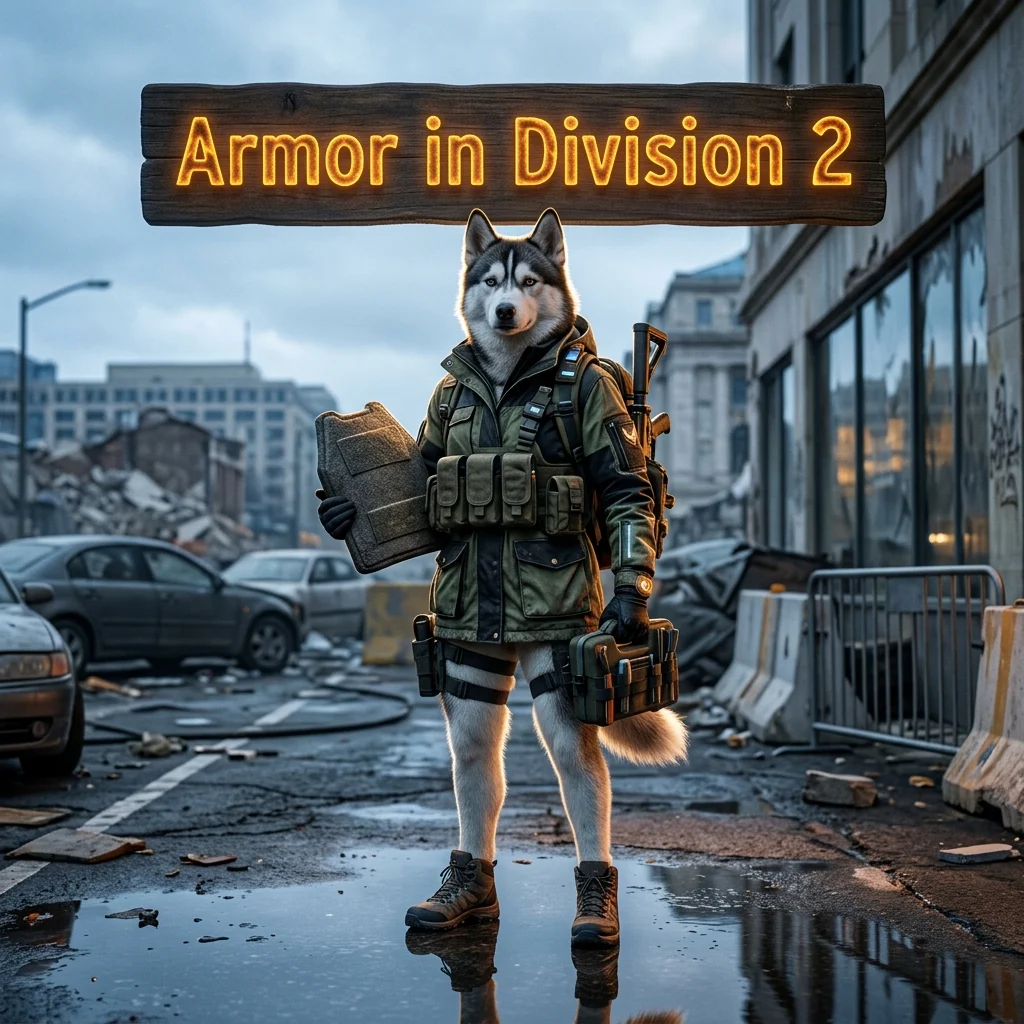
Division 2 armor boosting services
Armor is often the first place to look when your Division 2 progression feels limited. Weak equipment can make difficult activities less comfortable, while repeated farming may not produce the setup you need. A focused armor boosting service gives you a way to request help with this part of your progression instead of spending more time on the same runs.
This page also works as the main Division 2 service hub. The catalog can include armor support, exotic items, current season content, Operation Iron Horse, Battle for Brooklyn, and free guides. The available products and their descriptions show the current scope of each category.
Choose the right Division 2 service
Start with the result you want rather than choosing a product only because its name sounds familiar. If your main problem is equipment, review the armor boosting options first. If you are looking for a different type of progression, check the relevant category in the catalog instead of combining unrelated requests.
- Armor boosting: for players who want help focused on their armor-related progression.
- Exotic items: for requests connected with the exotic items category shown in the catalog.
- Current season: for available services tied to current seasonal content.
- Operation Iron Horse: for listings connected with this named activity.
- Battle for Brooklyn: for products listed under this category.
- Free guides: for players who prefer information and self-play support.
Not every account needs the same service. Review the product scope and provide clear details about your current progression before placing an order.
When armor boosting makes sense
Armor boosting can be useful when your equipment is behind your intended content or when repeated farming has not produced a practical improvement. It may also help when you understand the game but do not want to spend more sessions repeating the same progression tasks.
The best choice depends on your account state and the result described by the selected product. Avoid assuming that every armor request has the same requirements. Product details, available options, and your current progression should guide the order.
What to check before ordering
Read the product description carefully and make sure it matches your goal. If your request depends on a particular character, equipment state, or activity, include that information where the order form allows it. Clear details reduce the chance of choosing a service that does not fit your account.
- Check that the service is for The Division 2.
- Review the stated armor-related scope.
- Consider your current progression and equipment.
- List important preferences or restrictions clearly.
- Use the catalog to compare other relevant service categories.
Armor boosting is not a replacement for every Division 2 request. If your main goal concerns seasonal content, an exotic item, or a named activity, another catalog category may be more suitable.
The Division 2 service catalog
The catalog is designed to separate different types of help instead of placing every request under one broad product. Armor boosting is the main topic of this page, while the other visible categories help you find a closer match for a different goal.
Use the category names as a starting point, then confirm the exact product description before ordering. Product availability and scope can change, so the current listing is more useful than an old guide or a general assumption about the game.
Division 2 armor boosting FAQ
What does Division 2 armor boosting cover?
It covers the armor-related service described in the selected product listing. Check the current scope before ordering because different products can serve different progression goals.
Is this page only for armor?
Armor boosting is the main topic, but this is also the main Division 2 service hub. The catalog may show separate categories for seasonal content, exotic items, Operation Iron Horse, Battle for Brooklyn, and free guides.
What information should I provide?
Provide your current progression, the equipment-related goal you want to address, and any important preferences supported by the order form. Specific information helps match the request to the selected service.
Can I choose a different Division 2 service?
Yes. Review the catalog categories and select the product that matches your actual goal. Do not assume that an armor service includes unrelated activities or rewards unless the listing says so.
Start with the right Division 2 service
Review the armor boosting options and compare them with the other Division 2 categories shown in the catalog. Choose the listing that matches your current progression and describe your goal clearly before ordering.