

Witherbark Warbear Mother Boost in WoW Midnight

A dedicated booster handles the farming work while support coordinates the order and keeps you informed. The exact process depends on your character, account setup, and current game conditions.
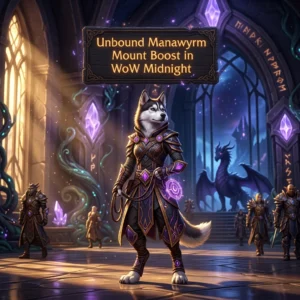
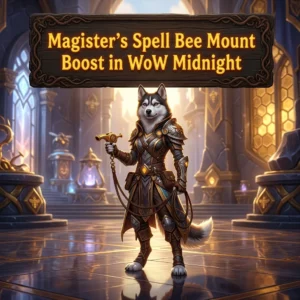
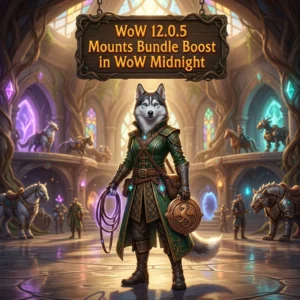
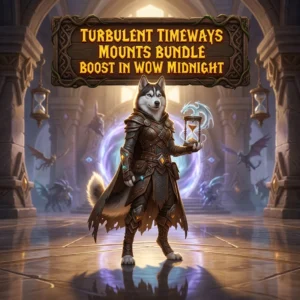
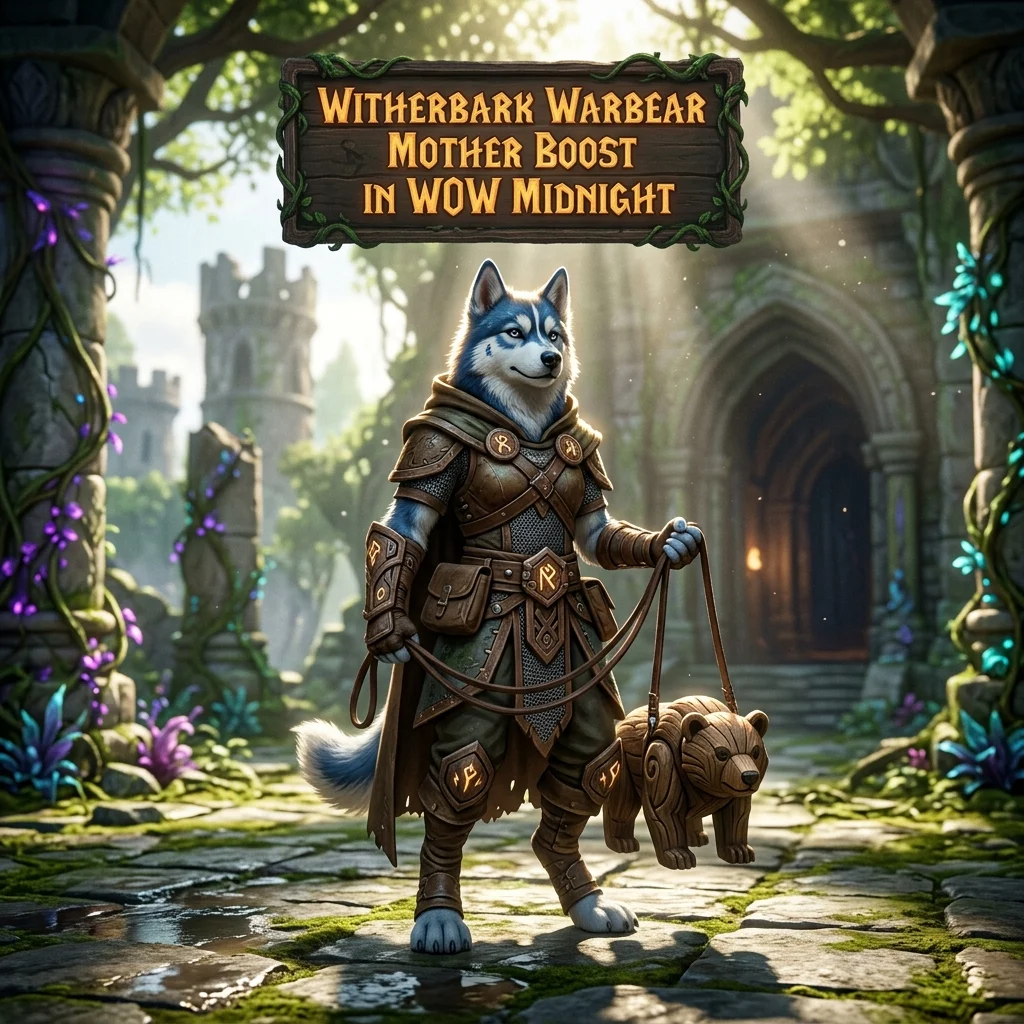
Witherbark Warbear Mother Boost in WoW Midnight
The Witherbark Warbear Mother is a focused collection target for WoW Midnight players. Mount farming can be frustrating when the same activity has to be repeated without a clear result. It can also take time away from current content, social play, or other goals on your character.
This boost is built around that single objective. A booster works on the activities needed for the mount while the support team coordinates the order. You do not need to spend every free session repeating the same farming loop yourself.
Why players buy this mount boost
Most buyers already know what they want. The problem is finding enough time and patience to keep working toward it. Mount farming becomes especially difficult when progress depends on repeated attempts or when a bad run leaves you with nothing useful for your collection.
- Less repetitive farming: Your playtime is not tied to one collection objective.
- Help with a long-term goal: The service keeps attention on the Witherbark Warbear Mother instead of unrelated activities.
- Fewer wasted sessions: A booster can continue the required work while you handle other parts of WoW Midnight.
- Better time management: You can return to raids, dungeons, professions, social play, or other personal goals.
This is not a general leveling or gearing service. The order is focused on the Witherbark Warbear Mother and the farming work connected with that target.
What the service covers
The main purpose is to work toward obtaining the Witherbark Warbear Mother for your character. Before the boost begins, support can confirm the order details, character information, and any preferences that affect coordination.
The service may involve repeated gameplay and farming attempts. Because the exact route and activity can depend on current game conditions, the booster follows the available method for pursuing the mount rather than relying on a fixed promise about a particular encounter or schedule.
- Focused work toward the Witherbark Warbear Mother.
- Coordination with support before the service starts.
- Progress communication during the order when applicable.
- Handling of relevant loot and character progress according to the service arrangement.
The service does not change the underlying game system or remove factors controlled by WoW Midnight. Farming conditions, access, and results can depend on the character and the current state of the game.
How to order the boost
- Select the service: Choose the Witherbark Warbear Mother Boost and provide the required order details.
- Confirm the setup: Support reviews the character, region, availability, and any instructions needed for the order.
- Begin the farming work: An assigned booster works toward the mount using the available in-game route.
- Follow progress: Support remains available for order questions and coordination during the service.
- Review the result: Once the agreed objective is reached or the service status changes, support confirms the next step.
If you need to play during the order, discuss this with support before the service begins. Coordinating access in advance helps avoid interruptions and unnecessary delays.
Practical account and service notes
Any account-based boost should be planned carefully. Make sure your character information is correct and tell support about restrictions that may affect access or scheduling. Avoid changing important account details while the order is being coordinated unless support has confirmed that it is fine.
Boosting conditions can also change because of maintenance, patches, access limits, or changes to the activity used for the mount. For that reason, support should confirm current details instead of relying on an old farming description.
Account handling should remain controlled throughout the order. Use the agreed communication channel, follow the instructions provided by support, and raise questions before the booster starts rather than during an active run.
Who this service is for
This mount boost may suit collectors who want the Witherbark Warbear Mother but do not want to spend their own sessions on repeated farming. It can also help players whose current priorities are raids, dungeons, progression, or limited-time activities in WoW Midnight.
It may not be the right choice if you want to experience every part of the acquisition process yourself or if you cannot provide the access and scheduling details needed for a boost. If your goal is different, explain it to support before ordering so the service scope is clear.
Witherbark Warbear Mother Boost FAQ
- What is included in the service?
The service focuses on farming toward the Witherbark Warbear Mother. Support confirms the practical order details before the boost begins. - How long will the boost take?
The time can vary with the required activity, character setup, access conditions, and farming results. Support can discuss the current estimate after reviewing the order. - Can I play my character during the boost?
Coordinate this with support first. Shared or interrupted access can affect the farming schedule. - Do I need to provide special instructions?
Tell support about your character, availability, and preferences during the order setup. This helps the booster follow the correct arrangement. - Can the service be affected by a patch or maintenance?
Yes. Game updates, maintenance, or changes to the relevant activity may affect access or timing. Support can provide current information. - Is this a general WoW Midnight boost?
No. This page is for the Witherbark Warbear Mother mount objective, not general leveling, gearing, or progression.
Order your Witherbark Warbear Mother Boost
If repeated farming is keeping the Witherbark Warbear Mother outside your collection plans, this service gives you a focused way to delegate that work. Review the available options, provide accurate order details, and contact support if you need to confirm the setup before starting.