

Weapon Unlock Boost in Battlefield 6

Choose the weapons or progression targets that matter to you. The service is suited to players who want help with specific unlock work instead of completing every requirement alone.
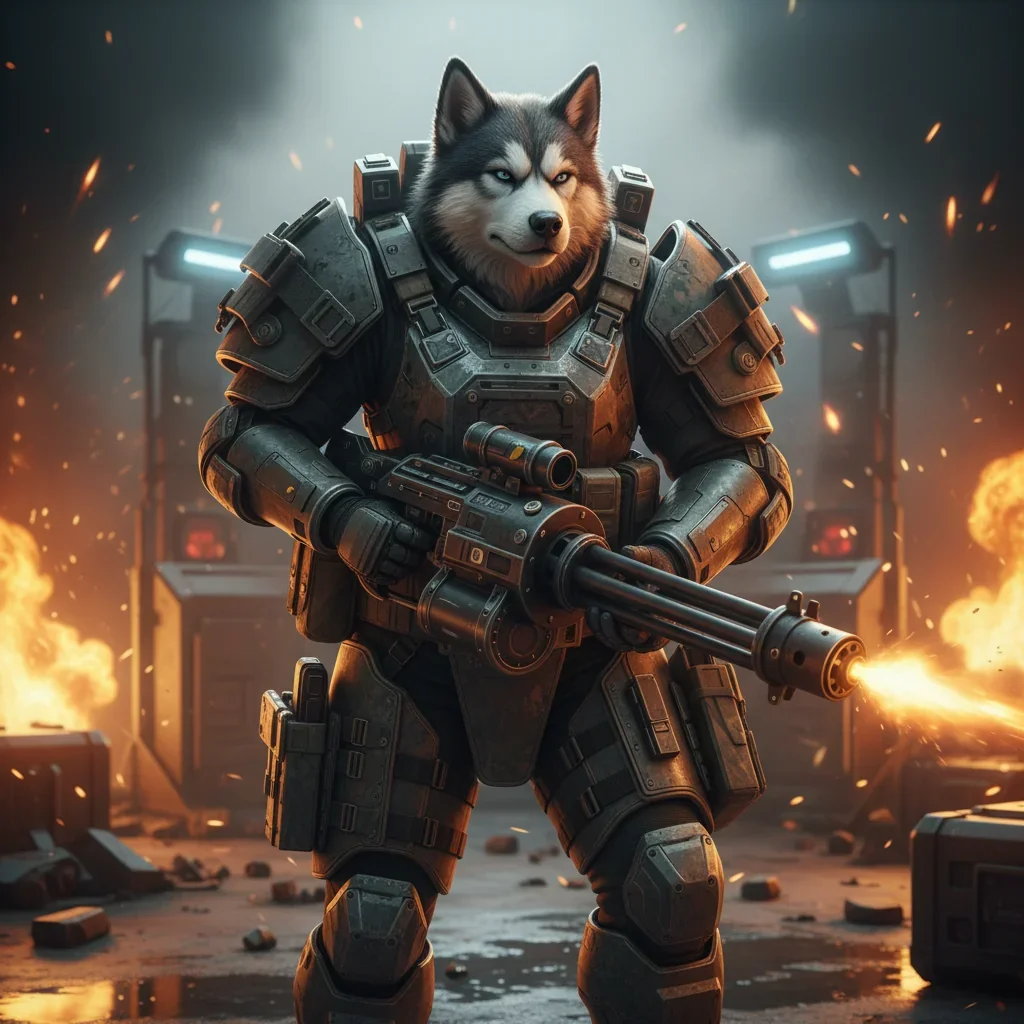
Battlefield 6 Weapon Unlock Boost
A weapon unlock boost in Battlefield 6 is built around the unlock targets you select. Depending on your order, this may involve progression through Career Rank or completing the challenges connected with the weapons you want. It is a practical option when a particular firearm is blocked by repeated tasks or when you do not want to spend your available playtime on unlock work.
The service is focused on weapon access, not a general account progression package. Before ordering, decide whether you need one specific weapon, several selected weapons, or a broader unlock goal. A clear target helps keep the order focused.
What the Battlefield 6 weapon unlock service covers
- Selected weapon unlocks: Request help with the weapons that matter for your preferred loadouts.
- Weapon challenge progress: The order can focus on the challenge work connected with your target unlocks.
- Career Rank progression: If a weapon requires further progression, the order can be planned around that target when applicable.
- Multiple unlock goals: You can set a wider target instead of ordering help for only one weapon.
The exact scope depends on the targets you choose and the current state of the Battlefield 6 account. If you are unsure which requirements remain, provide the relevant details before the order is handled.
When a weapon unlock boost makes sense
This service is useful when you already know which weapon you want but the path to it is slowing down your normal play. Some players enjoy large-scale fights but do not want to repeat the same challenge type for several sessions. Others want to test a different loadout without waiting to complete every unlock step themselves.
It can also help when you have several targets and want to organize them into one clear request. A focused order is easier to review than a general request to unlock everything without a defined priority.
How to choose your unlock targets
- Name the weapon or weapons: List the exact targets you want handled.
- Check your current progress: Note any Career Rank or challenge progress already completed.
- Set priorities: If you request several weapons, place the most important loadout first.
- Clarify the scope: Say whether you want selected unlocks or a broader weapon progression goal.
Good order details reduce confusion and help the service stay aligned with your actual Battlefield 6 loadout plans. If your target changes after ordering, contact support before expanding the scope.
What to expect from the process
You select the weapon unlock goal and complete the order information. The requested target is then reviewed against the account and the scope you submitted. Progress depends on the remaining requirements, your current account state, and the targets included in the order.
When the work is complete, check the requested weapons and related progression in Battlefield 6. If the order includes several targets, review them against the priority list you provided. This keeps the result easy to verify and avoids treating an unfinished optional target as part of the original scope.
Account and order considerations
Account-based boosting requires careful handling of account information. Share only the details requested through the service process, and use the available support channel if you have questions about access or order status. Avoid changing important account details while work is in progress unless support advises you to do so.
No unlock service should be described as a guarantee against every game or account issue. Progress can depend on the account’s existing state, the selected targets, and changes made by the game. The clearest way to avoid misunderstandings is to define the weapon list and desired scope before the order starts.
Battlefield 6 weapon unlock FAQ
Can I request one specific weapon?
Yes. You can focus the order on a specific weapon instead of requesting a wider unlock goal. Include the exact target when placing the order.
Can I request several weapons?
Yes, if you provide a clear list of the weapons you want. Add priorities when one weapon is more important than the others.
Does the service include weapon challenge progress?
The reference for this service supports weapon challenge work as part of the unlock scope. The exact tasks depend on the selected weapon and the progress already present on the account.
Does Career Rank matter?
It can matter when a requested weapon is connected with progression requirements. Provide your current progress so the order can be assessed against the target.
Can I order all weapon unlocks?
A broader unlock goal may be requested, but the scope should be stated clearly. Selected weapons are easier to define than an open-ended request, so list your priorities whenever possible.
Order your Battlefield 6 weapon unlocks
Choose the weapon unlock targets that are blocking your preferred loadouts and provide the relevant account progress. A focused request gives the service a clear direction and helps you spend less time repeating unlock tasks on your own.